AI LAUNCH CHEAT SHEET
Give the AI better details. Get a better launch.
Use these practical tips, examples, and image guidelines to create a more useful website or a stronger brand package on your first try.
The three-minute quick start
You do not need perfect copy. Clear, specific details help more than long descriptions filled with general marketing words.
AI Website Builder
Tell the builder what the business does, who it helps, and what visitors should do next.
- Choose the closest Business Type.
- Use a short business name that fits comfortably in the header.
- Name the main services and ideal customers.
- Add the location or use Everywhere for an online business.
- Add real contact, booking, pricing, menu, blog, and social links when available.
AI Brand Builder
Give the brand tool a clear personality and enough context to make its ideas feel connected to the business.
- Enter the specific business type and service area.
- Add favorite words or name ideas only when they matter.
- List colors you like—or colors you want to avoid.
- Describe the audience, personality, strongest service, and main difference.
- Choose the generated options that feel most natural before creating the package.
Prompt examples you can copy
Replace the example details with your own. Specific services, customers, location, and tone give the AI useful direction.
Website Builder example
Blue Mesa TutoringWe provide friendly one-on-one math and reading tutoring for elementary and middle-school students in Mesa, Arizona. Parents can book an introductory call online. Focus on patient instruction, confidence building, flexible evening sessions, and clear progress updates.
- Good: names the services, audience, location, differentiators, and next step.
- Avoid: “We are the best company and offer quality service.”
Brand Builder example
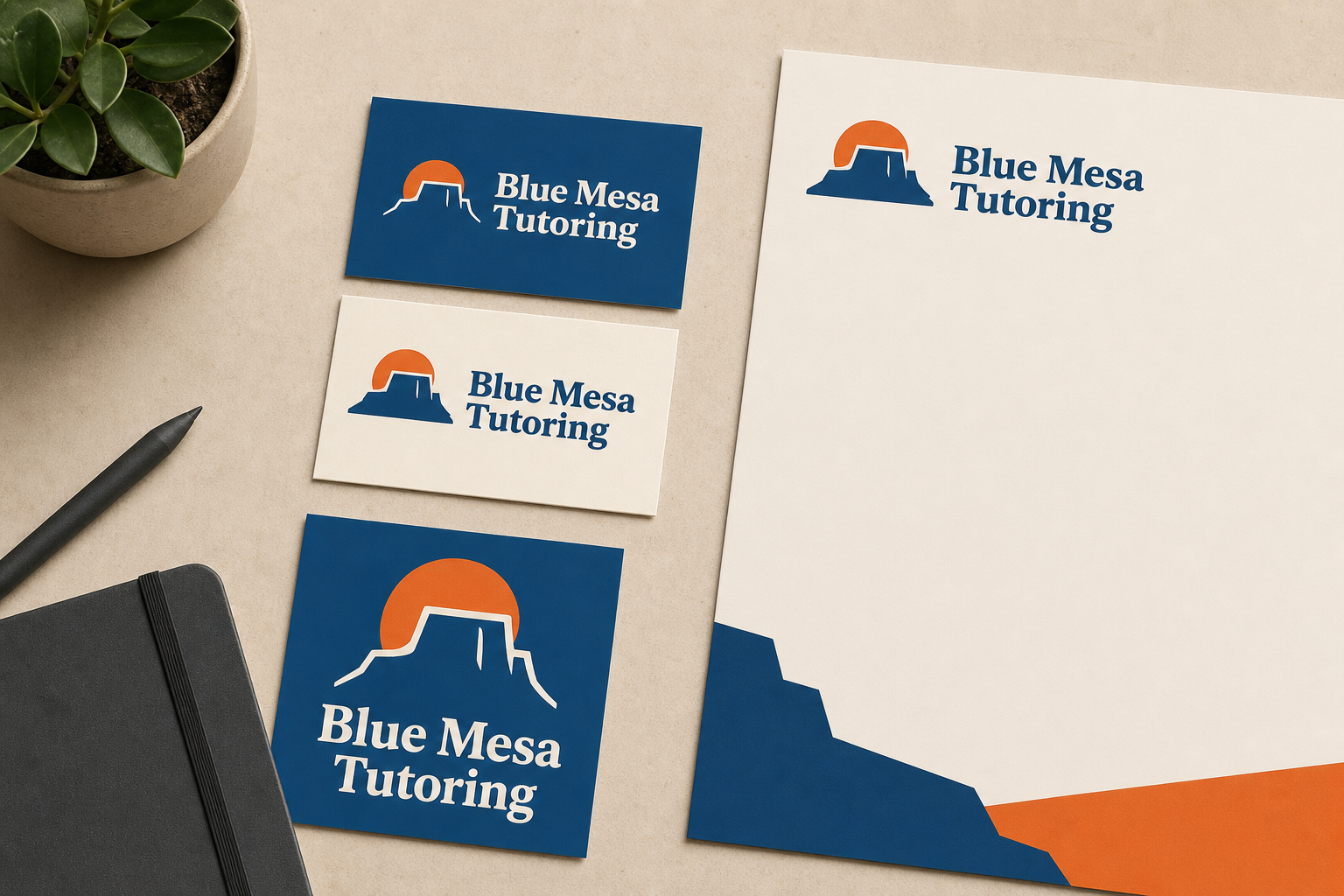
Business notesA welcoming tutoring service for busy parents and students who feel discouraged in large classrooms. The brand should feel patient, optimistic, organized, and trustworthy—not childish or overly corporate. We like deep blue and warm orange.
- Good: describes the customer, emotion, personality, and visual direction.
- Avoid: asking for every possible style at once.
Before you launch
Take one minute to review the generated result. Small details make the finished website or brand package much more useful.
Website checklist
- Confirm the business name, phone, email, and location.
- Open every contact and social link.
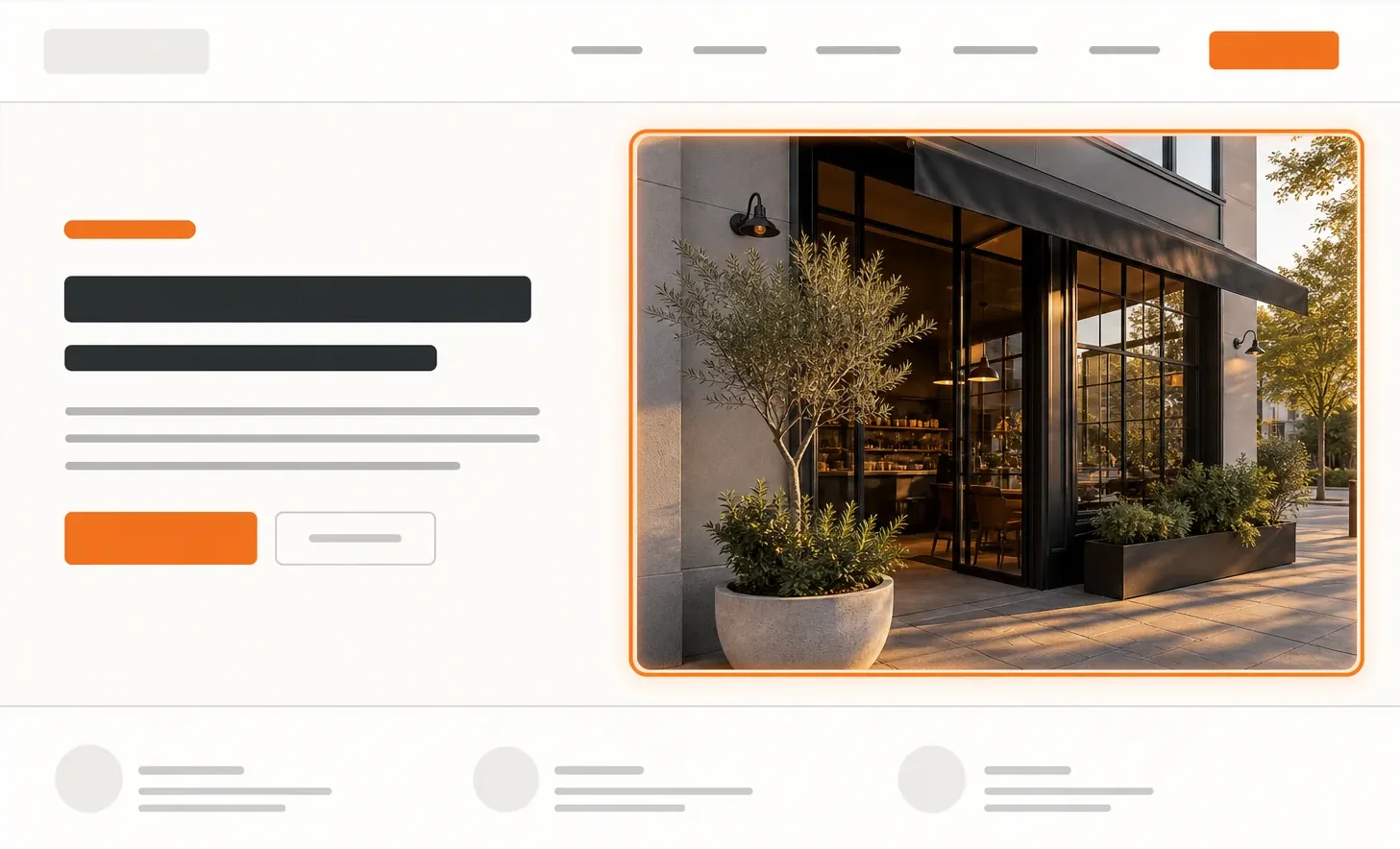
- Check that the hero photo matches the business.
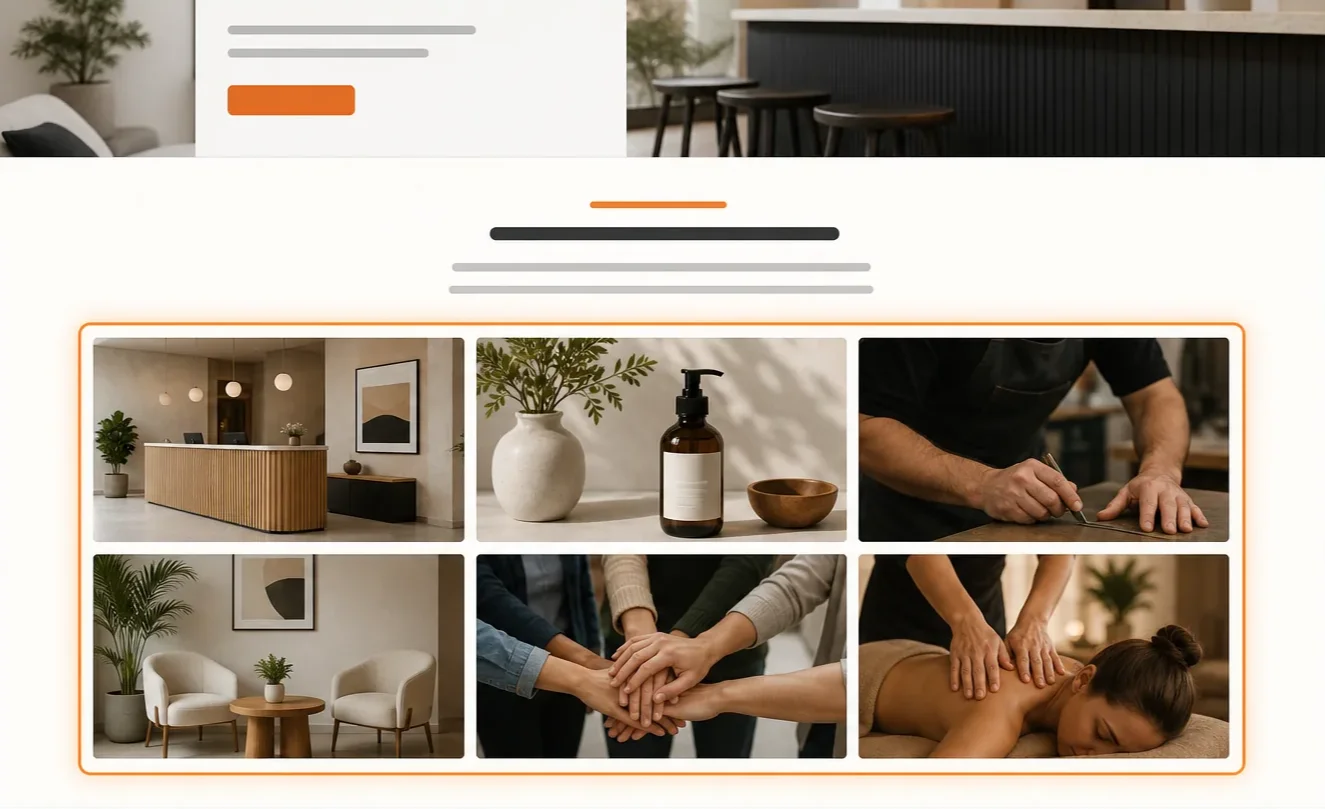
- Remove a gallery when the photos do not add value.
- Download the website ZIP after reviewing the live result.
Brand checklist
- Choose a name that is easy to say and remember.
- Check that the slogan explains the benefit.
- Make sure the palette works for the intended audience.
- Review the recommended domain and email ideas.
- Download the final launch package for safekeeping.
How to make changes after launch
Ongoing website changes require moving your AI website to a hosting plan with a domain. This gives the website a permanent home and the tools needed to manage it.
Edit the current website
Open the hosting File Manager to edit the website files, replace images, update text, change links, or adjust other details whenever needed.
Build a fresh version
Create another website with the AI Website Builder, download it, and overwrite the existing website files when you want to replace the whole design.
Put the website on your own domain
Choose a cPanel web hosting plan from Web Host Pro to publish the site on your domain and add professional email.